


Geteiltes Fotoalbum, das wirklich für alle funktioniert
WeTransfer Albums bringt Gruppenfotos an einen gemeinsamen Ort. Erstell ein Album, teile es per Link, QR-Code oder über die native Teilen-Funktion deines Geräts, und alle können die Bilder direkt im Browser ansehen, ganz ohne Account.
Start here
Create your first album

Collect and share group photos in one place
Wer Fotos mit einer Gruppe teilen möchte, braucht keinen gemeinsamen Cloud-Dienst und keine App, die alle erst herunterladen müssen. Mit WeTransfer Albums erstellst du ein geteiltes Album in Sekunden: Titel festlegen, Ablaufdatum wählen, Link verschicken. Wer das Album aufrufen möchte, braucht dafür keinen Account, nur den Link. Wer eigene Fotos beisteuern möchte, benötigt lediglich ein kostenloses WeTransfer-Konto. Als Album-Inhaber behältst du die Kontrolle: Titel und Titelbild anpassen, das Ablaufdatum ändern oder einzelne Fotos jederzeit entfernen.
What makes WeTransfer different
Our features are designed to minimize how much of your data we — or anyone else — can access, so you can keep what's yours, yours.
30M+ Transfers sent every month
4.8 App Store / Play Store average rating
12M+ Monthly active users
Everything you need
Create a shared album in seconds, invite anyone, and collect everyone's photos in full resolution — no hassle.

Shared group photo collection
One link brings everyone together. Anyone can add photos.

All the people you want
Invite as many or as few people as you want. Everyone contributes, everything stays in one place.
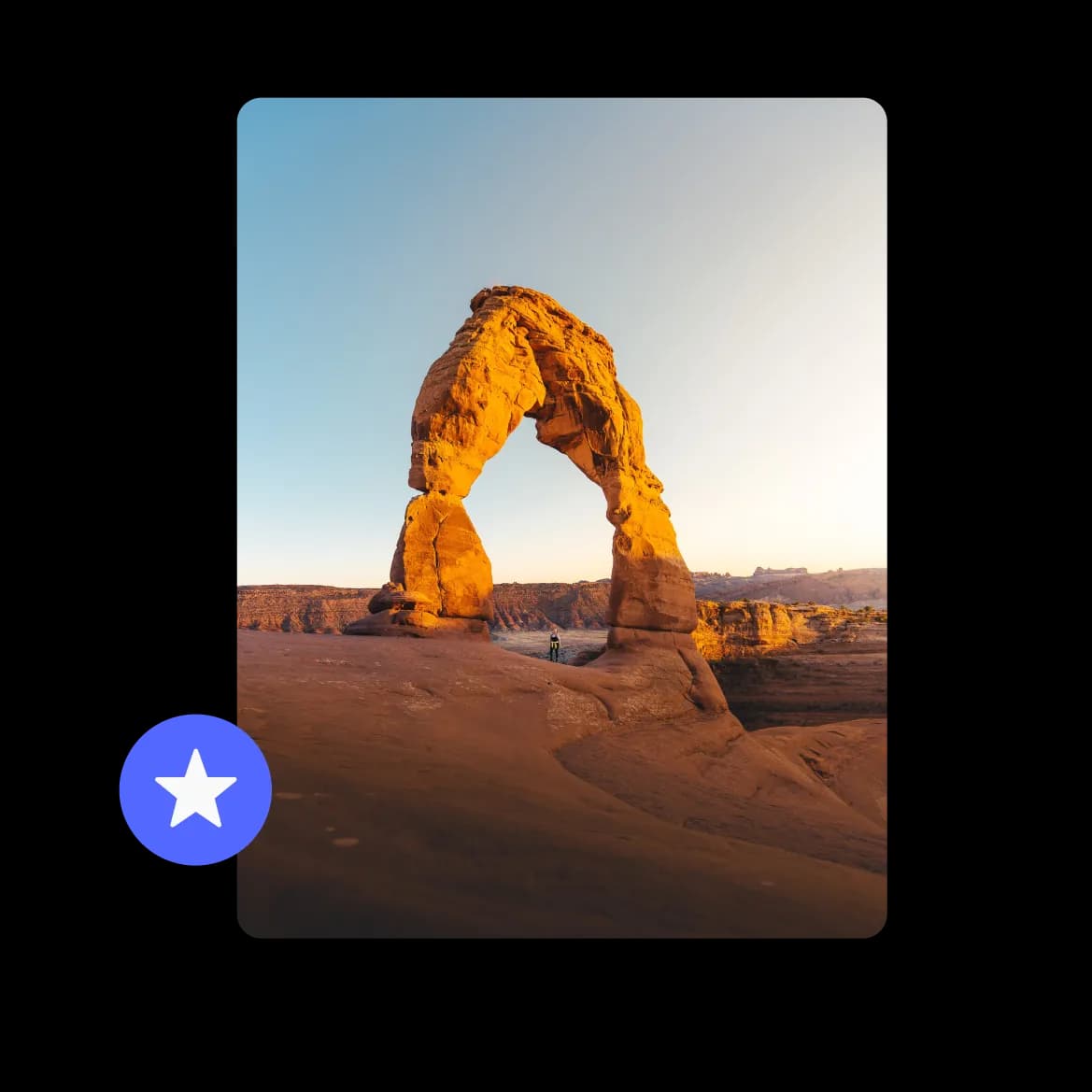
Full resolution photos, no compromise
Every photo lands exactly as it was taken. No compression, no quality loss.
FAQs
All your questions answered.
Ja. Wer den Link zum Album hat, kann alle Fotos direkt im Browser ansehen, ohne einen Account erstellen zu müssen. Nur wer selbst Fotos zum Album hinzufügen möchte, benötigt ein kostenloses WeTransfer-Konto.
WeTransfer Albums unterstützt die gängigen Bildformate: JPG, JPEG, PNG, GIF, WebP, AVIF, TIF, TIFF, HEIC und HEIF sowie BMP. Dokumente, Audio-Dateien oder Archive werden im Album nicht unterstützt, aber du kannst auch Videos im Album-Format hochladen.
Ja, das ist einer der Hauptanwendungsfälle. Jeder mit einem kostenlosen WeTransfer-Konto kann Fotos zum Album beitragen. Wichtig: Es kann immer nur eine Person gleichzeitig hochladen, und die maximale Dateigröße richtet sich nach dem Plan des jeweiligen Beitragenden.
Als Album-Inhaber kannst du jede Datei im Album löschen, unabhängig davon, wer sie hochgeladen hat. Andere Mitglieder können nur ihre eigenen Fotos entfernen. Gelöschte Dateien sind für alle Beteiligten sofort und dauerhaft weg.
Beim Erstellen eines Albums legst du selbst ein Ablaufdatum fest. So bestimmst du, wie lange das Album zugänglich bleibt. Nach dem Ablaufdatum ist das Album nicht mehr aufrufbar. Nur der Album-Inhaber kann das Datum nachträglich ändern.