


One album for every wedding photo
Getting photos from guests, photographers, and family into one place shouldn't be hard. WeTransfer Albums give everyone a shared space to add and enjoy wedding photos, with no complicated setup and no confusion about where things live.
Start here
Create your first album

Collect and share group photos in one place
Weddings generate hundreds of photos from dozens of phones, and chasing them all down afterward is its own job. A WeTransfer album brings everything together: create one, share it via link or QR code, and guests can start browsing straight away without signing up. Anyone who wants to contribute just needs a free WeTransfer account to upload their shots. As the album owner, you set the title, expiry date, and cover image, and you can remove any file at any time. Contributors can only delete their own uploads, so the album stays tidy and in your hands.
What makes WeTransfer different
Our features are designed to minimize how much of your data we — or anyone else — can access, so you can keep what's yours, yours.
30M+ Transfers sent every month
4.8 App Store / Play Store average rating
12M+ Monthly active users
Everything you need
Create a shared album in seconds, invite anyone, and collect everyone's photos in full resolution — no hassle.

Shared group photo collection
One link brings everyone together. Anyone can add photos.

All the people you want
Invite as many or as few people as you want. Everyone contributes, everything stays in one place.
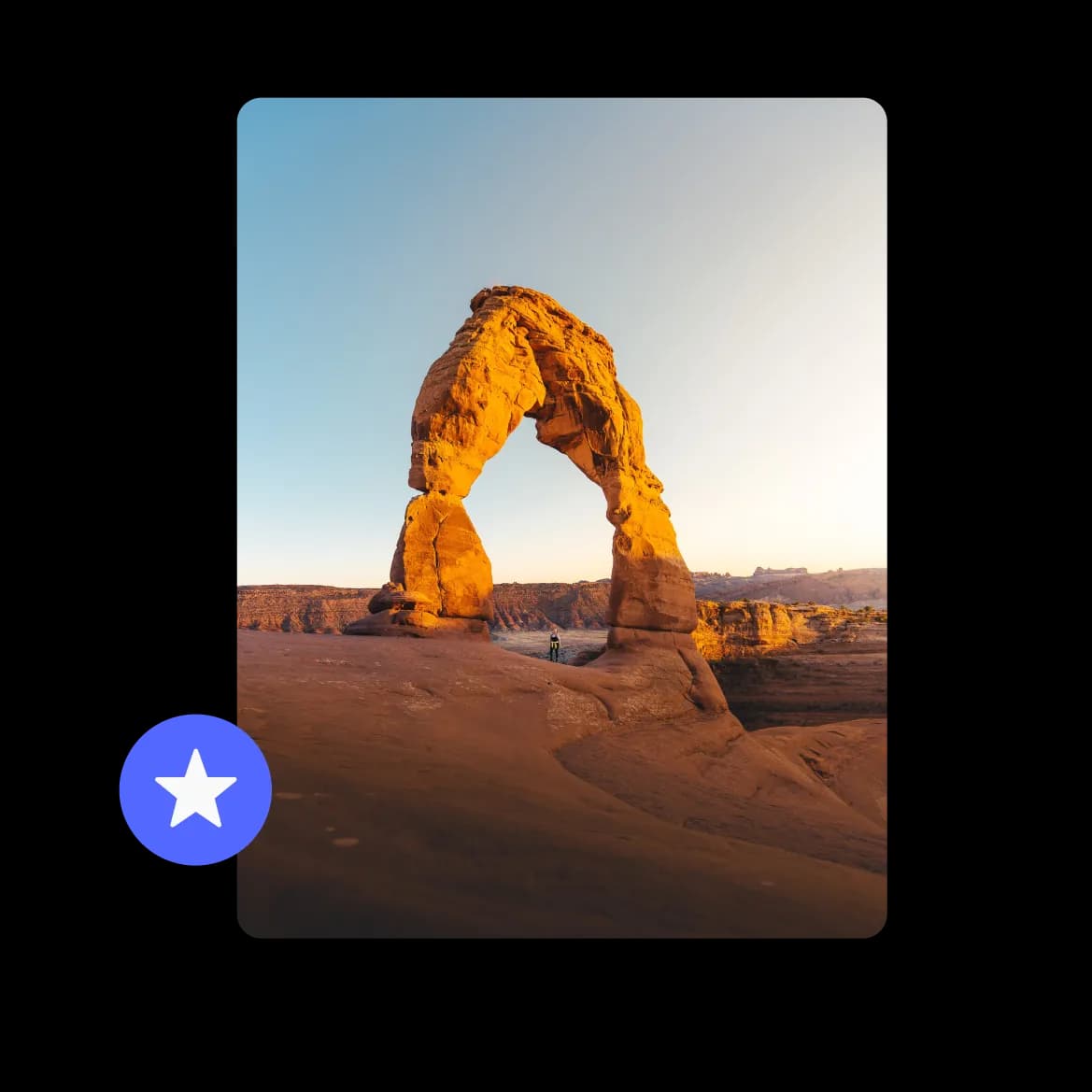
Full resolution photos, no compromise
Every photo lands exactly as it was taken. No compression, no quality loss.
FAQs
All your questions answered.
Guests can view all the photos in the album without an account, so browsing is completely frictionless. To upload their own photos, contributors do need a free WeTransfer account. It takes just a moment to set one up, and there's no paid plan required.
WeTransfer Albums support JPG, JPEG, PNG, GIF, WebP, AVIF, TIF, TIFF, HEIC, and HEIF — which covers the formats most phones and cameras produce, including iPhone's default HEIC format. Documents, audio files, and other non-visual formats aren't supported in albums, but you can use a regular WeTransfer transfer for those.
Once your album is created, you get a link you can drop into any group chat, email, or wedding website. There's also a QR code, which is handy if you want to display it at the venue so guests can join right from their phones. A native share sheet option is available too, if you're sharing directly from your device.
As the album owner, you can delete any file from the album, regardless of who uploaded it. Other contributors can only remove files they added themselves. So if a guest uploads something you'd rather not keep, you can take it down without needing to ask them.
You set the expiry date when you create the album, so the timeline is up to you. Choose a date far enough out that everyone has time to view and download the photos they want before it closes. The owner can also edit the expiry date later if you need more time.