


One album for everyone's travel shots
Back from a trip and scattered across a dozen camera rolls? WeTransfer Albums bring everyone's photos into a single shared space. Create an album, share the link, and your group can browse and contribute without any complicated setup.
Start here
Create your first album

Collect and share group photos in one place
Getting everyone's travel photos together usually means chasing down files from different apps, devices, and group chats. WeTransfer Albums solve that by giving your group one place to upload, view, and revisit photos and videos from the trip. Creating an album takes seconds: set a title, pick an expiry date, and share it via link, QR code, or your device's native share sheet. Viewing is open to anyone with the link, no sign-up required, so even less tech-savvy travel companions can browse straight away. Those who want to add their own shots just need a free WeTransfer account to contribute.
What makes WeTransfer different
Our features are designed to minimize how much of your data we — or anyone else — can access, so you can keep what's yours, yours.
30M+ Transfers sent every month
4.8 App Store / Play Store average rating
12M+ Monthly active users
Everything you need
Create a shared album in seconds, invite anyone, and collect everyone's photos in full resolution — no hassle.

Shared group photo collection
One link brings everyone together. Anyone can add photos.

All the people you want
Invite as many or as few people as you want. Everyone contributes, everything stays in one place.
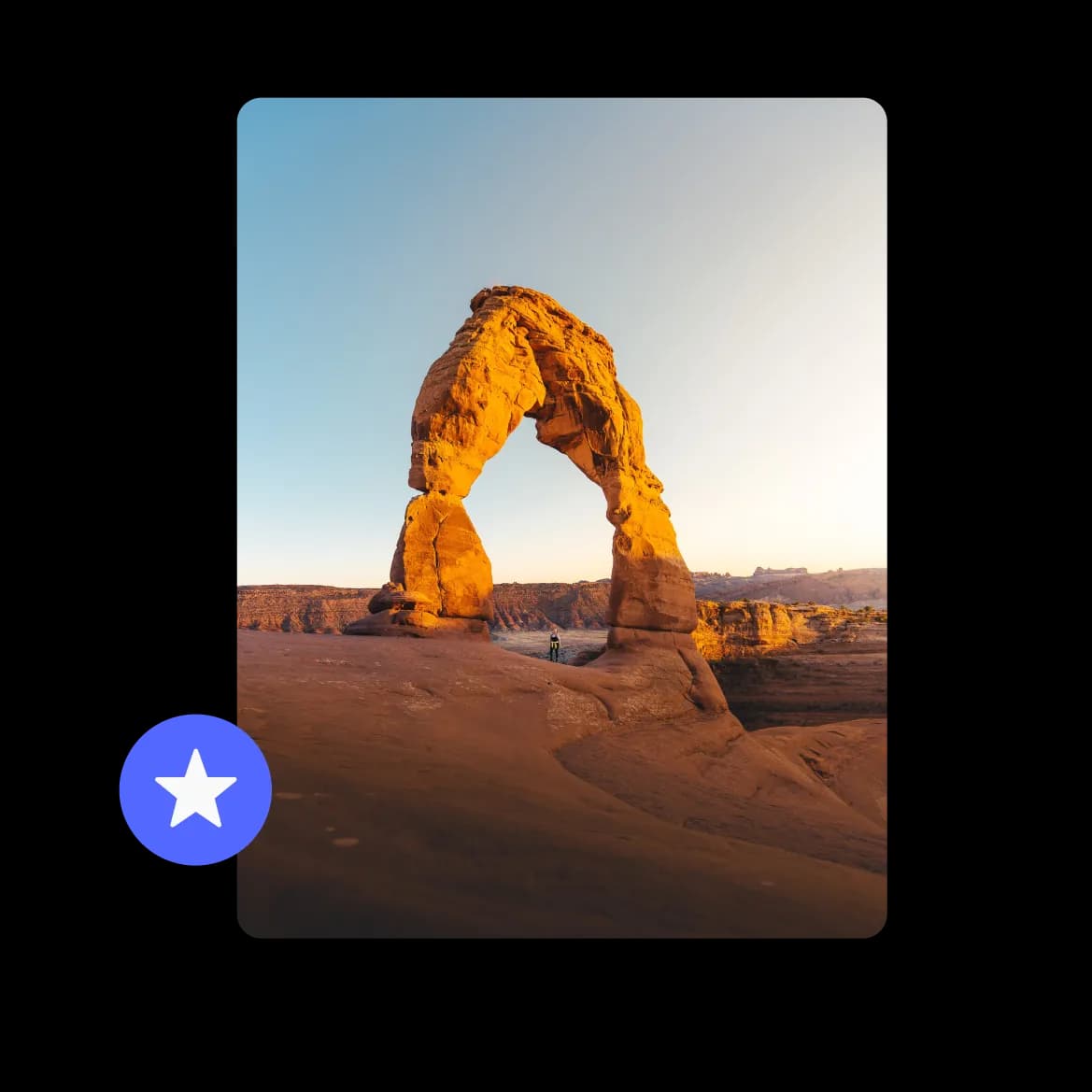
Full resolution photos, no compromise
Every photo lands exactly as it was taken. No compression, no quality loss.
FAQs
All your questions answered.
Yes, anyone with a free WeTransfer account can contribute photos to the album. Keep in mind that only one person can upload at a time, so contributions happen sequentially rather than all at once. Each contributor can remove photos they added themselves, but only the album owner can delete anyone else's files.
For photos, WeTransfer Albums support JPG, JPEG, PNG, GIF, WebP, AVIF, TIF, TIFF, HEIC, and HEIF, which covers the formats most phones and cameras produce. For video, you can upload MP4, MOV, M4V, WebM, MKV, and 3GP. Documents, audio files, and archives are not supported in albums.
Anyone with the album link can open and browse all the photos and videos without signing up for anything. Viewing is completely open, so friends and family can scroll through the trip memories the moment you share the link. An account is only needed if someone wants to upload their own photos.
As the album owner, you can edit the title, update the cover image, change the expiry date, and delete any file in the album regardless of who uploaded it. Other members can only delete photos they added themselves. Only the owner can delete the album entirely; members who no longer want to participate can leave without affecting anyone else's access.
WeTransfer gives you three ways to share an album: copy the link and paste it anywhere (a group chat, an email, or a social post), share a QR code that people can scan, or use your device's native share sheet to send it directly. There is no recipient limit for viewing, so you can share with as many people as you like.