


Share photos with friends, all in one place
WeTransfer Albums make it easy to gather everyone's photos in a single shared space. Create an album, share it via link or QR code, and anyone with the link can browse the whole collection from their browser — no app, no sign-up required.
Start here
Create your first album

Collect and share group photos in one place
Getting photos from a day out, a trip, or a celebration into one place should not require a group chat or a stack of attachments. WeTransfer Albums give your group a shared home for photos, accessible instantly from any browser. The owner sets the album up in seconds, choosing a title, cover image, and expiry date before sharing via link, QR code, or a native share sheet. Viewing is always open to anyone with the link, and contributing photos just takes a free WeTransfer account. Supported formats cover everything from JPGs and PNGs to HEIC shots straight from an iPhone, so whatever your friends are shooting on, it all works together.
What makes WeTransfer different
Our features are designed to minimize how much of your data we — or anyone else — can access, so you can keep what's yours, yours.
30M+ Transfers sent every month
4.8 App Store / Play Store average rating
12M+ Monthly active users
Everything you need
Create a shared album in seconds, invite anyone, and collect everyone's photos in full resolution — no hassle.

Shared group photo collection
One link brings everyone together. Anyone can add photos.

All the people you want
Invite as many or as few people as you want. Everyone contributes, everything stays in one place.
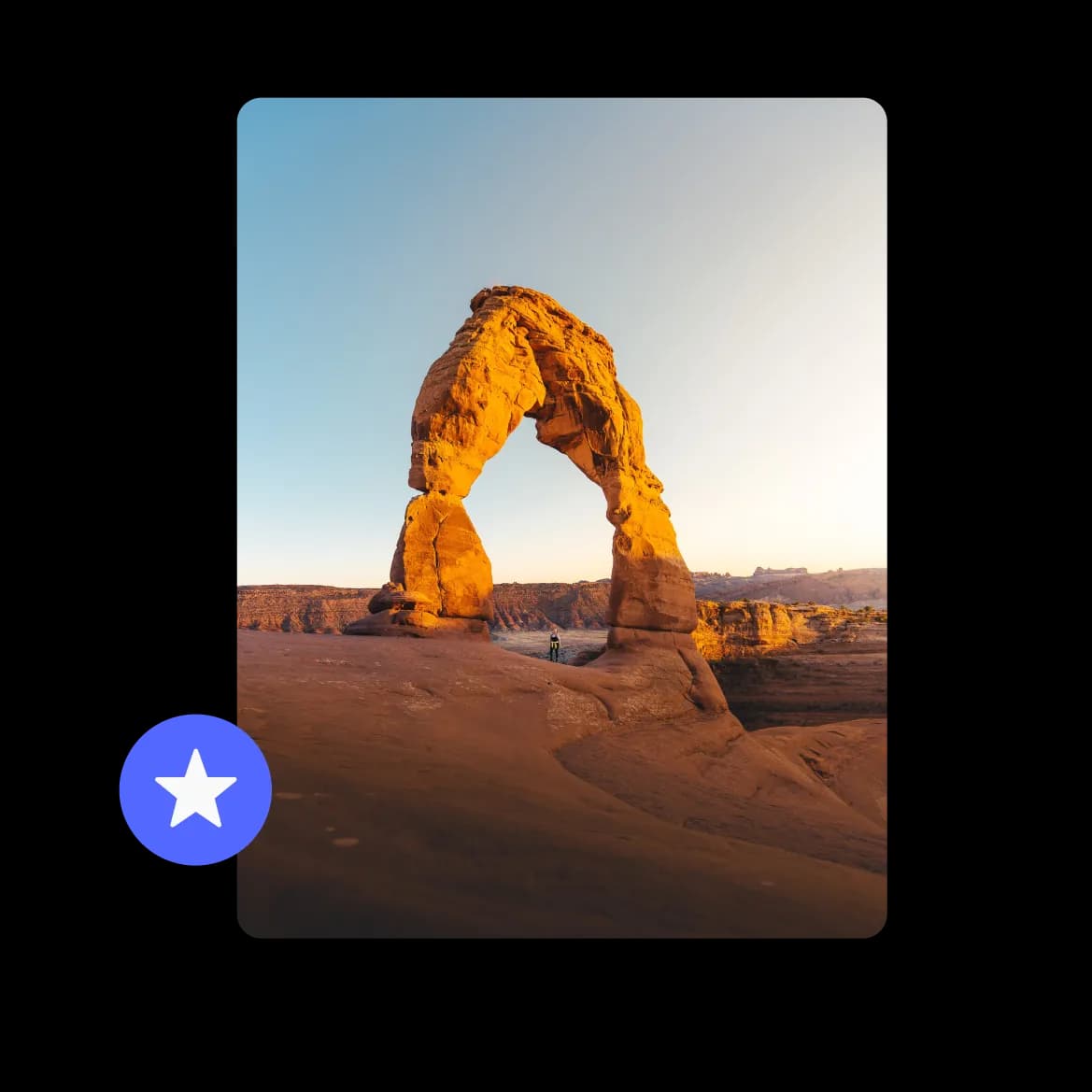
Full resolution photos, no compromise
Every photo lands exactly as it was taken. No compression, no quality loss.
FAQs
All your questions answered.
Yes. Anyone with the album link can browse and view all the photos straight from their browser without signing up. Only people who want to add their own photos need a free WeTransfer account to upload.
Anyone with the link who has a free WeTransfer account can upload photos directly to the album. Just keep in mind that only one person can upload at a time, and each contributor's maximum file size follows their own plan.
Albums support JPG, JPEG, PNG, GIF, WebP, AVIF, TIF, TIFF, HEIC, HEIF, and BMP. That covers photos from most smartphones and cameras, including HEIC images shot on iPhones. Documents, audio files, and archives are not supported in albums.
They can. Albums support MP4, MOV, M4V, WebM, MKV, and 3GP video files alongside photos, so clips from the same event can live right next to the pictures in one shared space.
As the album owner, you can delete any photo or video in the collection, regardless of who uploaded it. Other members can only remove files they added themselves. Deletions are permanent for everyone, so it is worth being sure before removing anything.