


Share photos together, without the platform lock-in
OneDrive ties shared photos to Microsoft accounts and the Windows ecosystem. WeTransfer Albums work differently: anyone with the link can view your collection straight from a browser, no Microsoft account, no app, no setup required.
Start here
Create your first album

Collect and share group photos in one place
Finding an alternative to OneDrive for sharing photos with a group often comes down to one thing: not everyone you want to share with lives inside the same ecosystem. WeTransfer Albums let you pull your photos into one shared space and distribute them however works best, whether that's a link, a QR code, or your phone's native share sheet. Viewers can open the whole collection immediately from any browser without creating an account. Contributors who want to add their own shots just need a free WeTransfer account to upload. You stay in control as the owner: update the title, choose a cover image, set an expiry date, and remove any photo from the album at any time.
What makes WeTransfer different
Our features are designed to minimize how much of your data we — or anyone else — can access, so you can keep what's yours, yours.
30M+ Transfers sent every month
4.8 App Store / Play Store average rating
12M+ Monthly active users
Everything you need
Create a shared album in seconds, invite anyone, and collect everyone's photos in full resolution — no hassle.

Shared group photo collection
One link brings everyone together. Anyone can add photos.

All the people you want
Invite as many or as few people as you want. Everyone contributes, everything stays in one place.
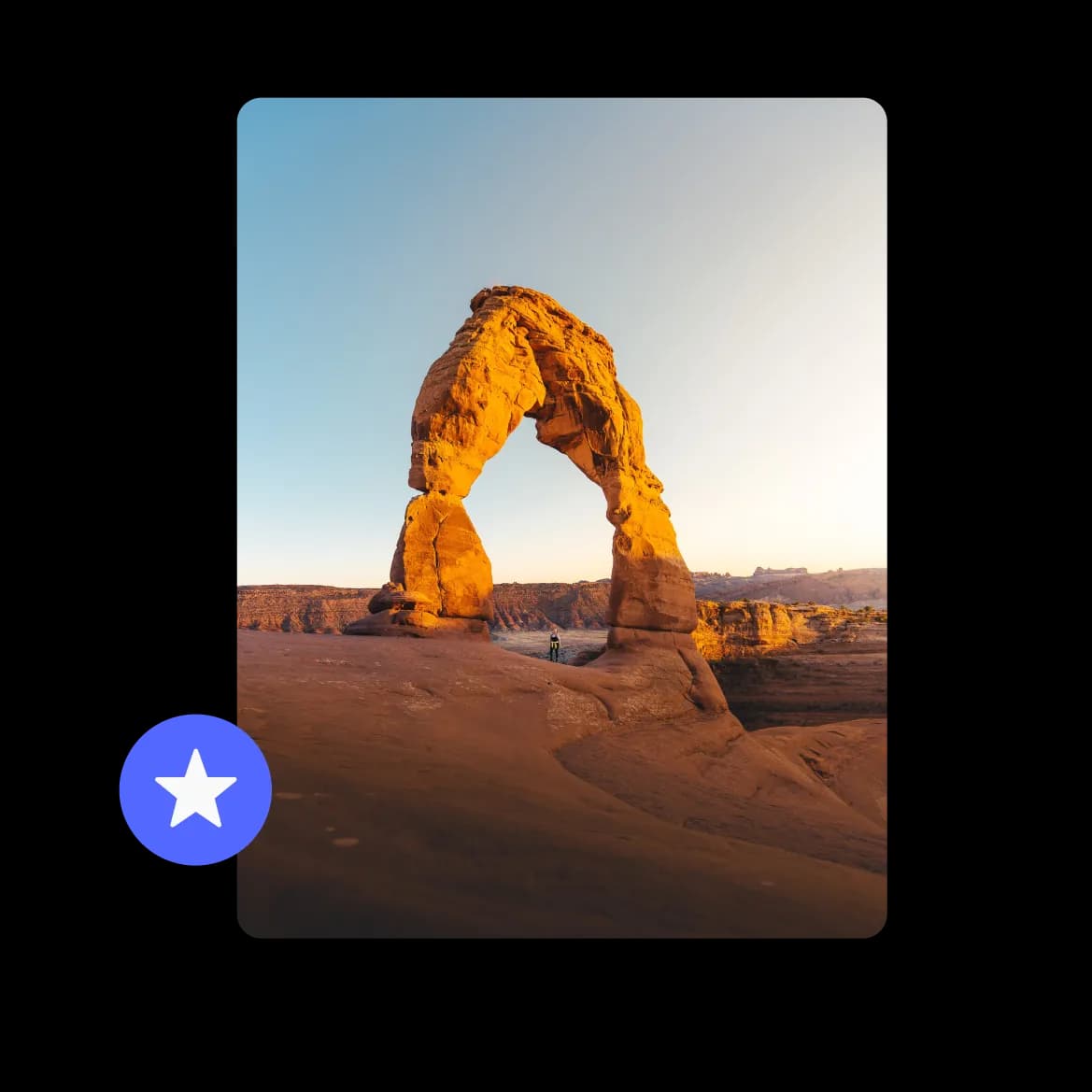
Full resolution photos, no compromise
Every photo lands exactly as it was taken. No compression, no quality loss.
FAQs
All your questions answered.
No. Anyone who has your album link can open and browse all the photos straight from their browser, with no account of any kind required. If someone wants to contribute their own photos to the album, they'll need a free WeTransfer account to upload.
Yes. WeTransfer does not compress or re-encode photos when they're uploaded to an album. The files contributors add are kept as-is, so the quality your group sees matches what was originally shot. The maximum file size for any individual upload follows the contributor's own plan.
You can, with one small practical note: only one person can upload to an album at a time. In practice this is rarely an issue, but it's worth knowing if you're gathering a large batch of simultaneous contributions. Everyone's additions build into the same shared collection, which the whole group can browse together.
Albums support JPG, JPEG, PNG, GIF, WebP, AVIF, TIF, TIFF, HEIC, and HEIF, so everything from iPhone shots to high-resolution TIFFs is welcome. Note that albums are for photos and videos only, so documents, audio files, and archives are not supported in this format.
Once you've created an album and given it a title and expiry date, you share it via a link, a QR code, or your device's native share sheet. There's no invite list to manage and no permissions screen to navigate. Anyone who receives the link can view the album immediately, on any device and any operating system.