


A simpler way to share photos with a group
WeTransfer Albums give you a clean, shared space for photos and videos that anyone can view from a browser link. No app to install, no account needed to browse, just a single place where everyone can see the whole collection.
Start here
Create your first album

Collect and share group photos in one place
If you have been relying on Flickr to keep group photo collections organized, WeTransfer Albums offer a fresh, friction-free alternative built for sharing visual content with people you actually know. Create an album, give it a title and an expiry date, then send the link however suits you: direct message, QR code, or your device's native share sheet. Anyone with the link can open and browse the full collection straight from their browser without signing up for anything. Contributors who want to add their own photos just need a free WeTransfer account to upload. As the album owner, you stay in control: edit the title, swap the cover image, and remove any photo from the collection at any time.
What makes WeTransfer different
Our features are designed to minimize how much of your data we — or anyone else — can access, so you can keep what's yours, yours.
30M+ Transfers sent every month
4.8 App Store / Play Store average rating
12M+ Monthly active users
Everything you need
Create a shared album in seconds, invite anyone, and collect everyone's photos in full resolution — no hassle.

Shared group photo collection
One link brings everyone together. Anyone can add photos.

All the people you want
Invite as many or as few people as you want. Everyone contributes, everything stays in one place.
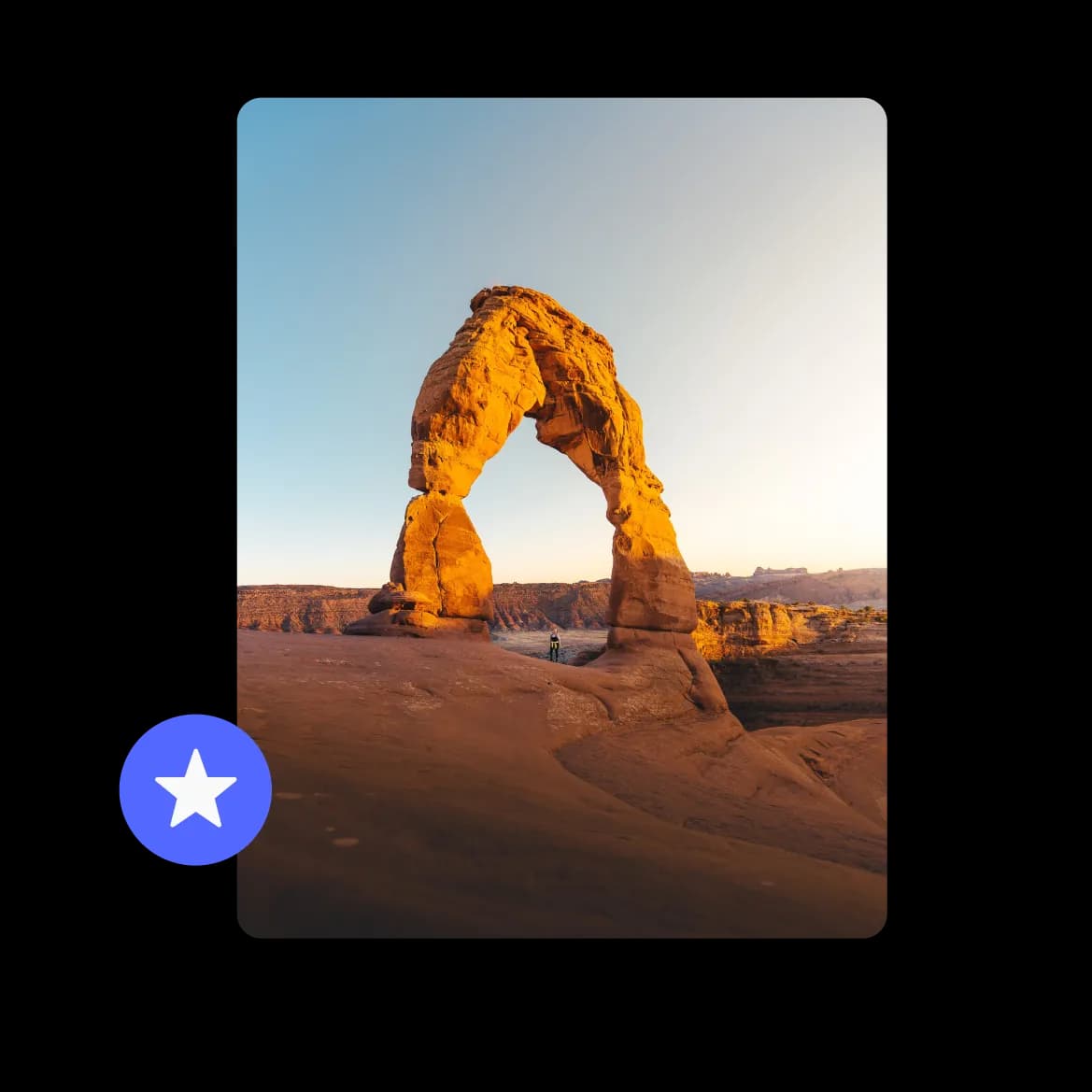
Full resolution photos, no compromise
Every photo lands exactly as it was taken. No compression, no quality loss.
FAQs
All your questions answered.
WeTransfer Albums support the most common photo formats photographers and phone users work with: JPG, JPEG, PNG, GIF, WebP, AVIF, TIF, TIFF, HEIC, and HEIF. Whether you are coming from a DSLR, a mirrorless camera, or an iPhone shooting in HEIC, your photos upload as-is without any conversion.
WeTransfer does not re-encode or compress your photos, so what goes in is what comes out. Your images are stored and shared in their original quality, which matters when you are sharing high-resolution shots you actually want people to keep.
Albums are genuinely collaborative: anyone with the link can view, and anyone with a free WeTransfer account can upload their own photos directly to the shared collection. As the album owner, you can delete any photo in the album, while other contributors can only remove photos they added themselves.
Yes. Albums support video files in formats including MP4, MOV, M4V, WebM, MKV, and 3GP, so short clips mix naturally with photos in the same collection. Other file types like documents or audio files are not supported in albums, but for photos and video, you are covered.
When you create an album, you set an expiry date as part of the setup. That date determines how long the link stays active for anyone you have shared it with. You can also edit the expiry later from your account if you need to extend or shorten it.