


Shared photo albums made for groups
Collect and view photos together in one place. WeTransfer albums let everyone contribute, browse, and enjoy the same visual space, whether you're sharing travel shots, event photos, or creative projects.
Start here
Create your first album

Collect and share group photos in one place
When you want everyone's photos in one place, passing around separate links or chat attachments gets messy fast. WeTransfer albums give your group a single shared space to upload, view, and revisit photos and videos together. The album owner sets the title, cover image, and expiry, while contributors can add their own files and remove what they uploaded. Sharing is simple: send a link, a QR code, or use the native share sheet, and anyone can browse the album without creating an account. Contributors just need a free WeTransfer account to add their own photos.
What makes WeTransfer different
Our features are designed to minimize how much of your data we — or anyone else — can access, so you can keep what's yours, yours.
30M+ Transfers sent every month
4.8 App Store / Play Store average rating
12M+ Monthly active users
Everything you need
Create a shared album in seconds, invite anyone, and collect everyone's photos in full resolution — no hassle.

Shared group photo collection
One link brings everyone together. Anyone can add photos.

All the people you want
Invite as many or as few people as you want. Everyone contributes, everything stays in one place.
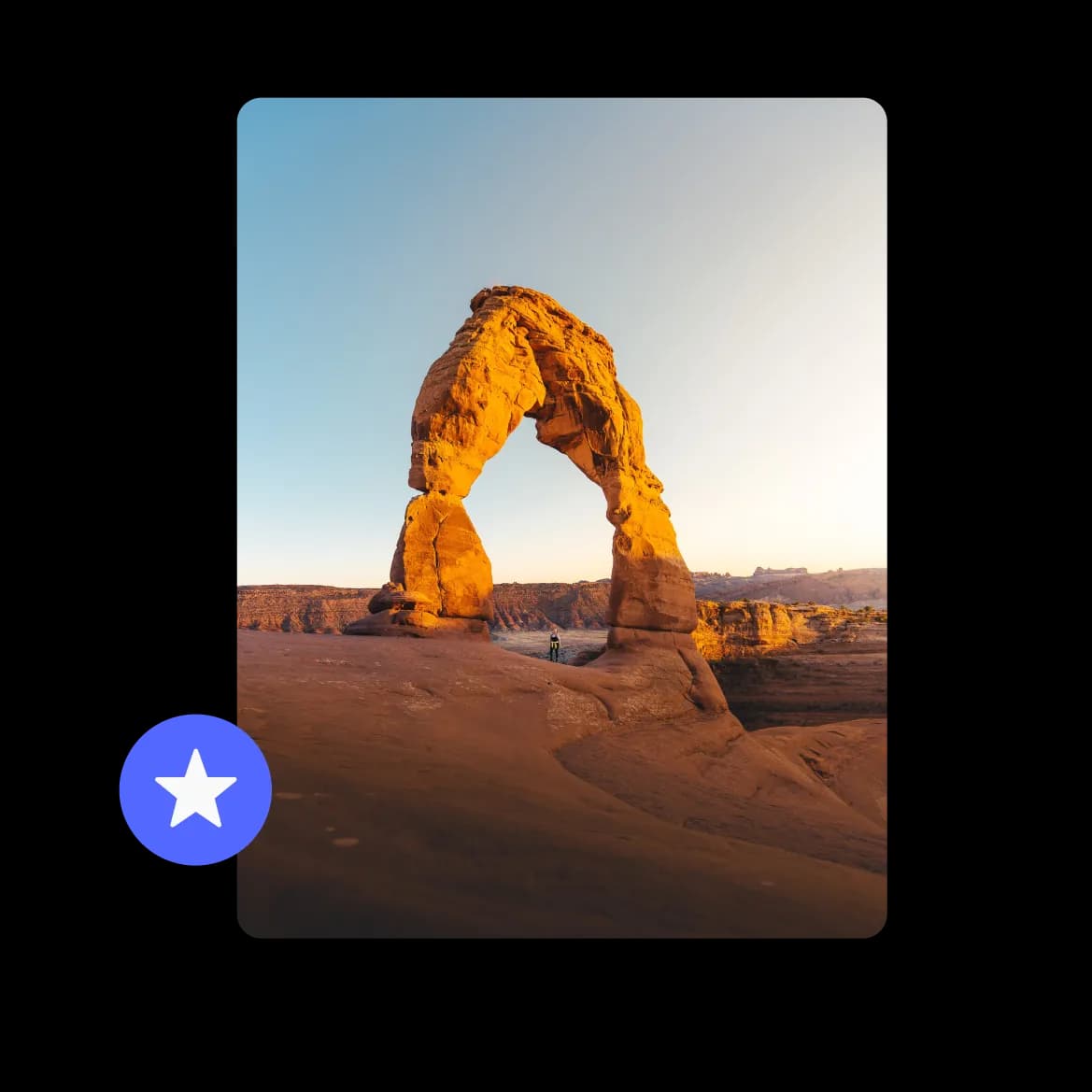
Full resolution photos, no compromise
Every photo lands exactly as it was taken. No compression, no quality loss.
FAQs
All your questions answered.
No, anyone with the album link can browse and view photos without signing up. Only people who want to upload photos to the album need a free WeTransfer account.
Albums support JPG, JPEG, PNG, GIF, WebP, AVIF, TIF, TIFF, HEIC, and HEIF formats, so most photos from phones and cameras will work without any conversion. Note that albums are designed for photos and videos only, so documents and audio files are not supported.
Yes, multiple contributors can add photos to a shared album, though uploads happen one person at a time. Each contributor can only delete photos they added themselves, while the album owner can remove any file.
Once you create an album, you can share it via a unique link, a QR code, or your device's native share sheet. Whoever receives the link can view the photos immediately without needing an account.
The album owner sets an expiry date when creating the album. After that date, the album is no longer accessible to contributors or viewers. Only the owner can delete the album entirely before it expires; members leaving the album does not affect what others can see.